Head to head
Apple Maps or Tesla: where they actually differ
Two products with different jobs. Apple Maps is a general-purpose maps app that has grown EV routing; Tesla in-car navigation is the vehicle's own navigation, which is why it can do things no app can.
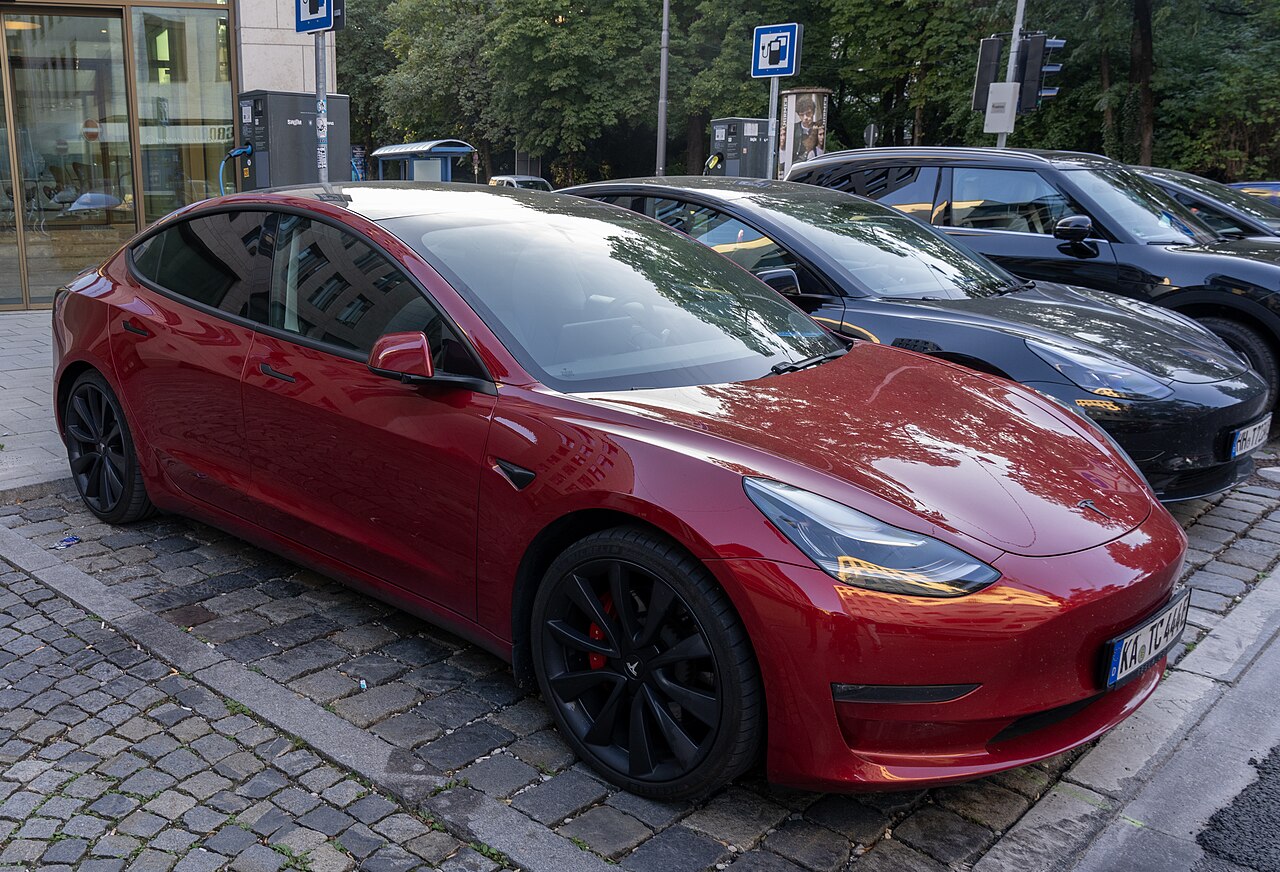

Where they differ
| Capability | Apple Maps | Tesla |
|---|---|---|
| Plans a charging route | ◐ Partly | ● Yes |
| Models the charging curve | – Unverified | ● Yes |
| Live charger availability | – Unverified | ● Yes |
| Preconditions the battery | ◐ Partly | ● Yes |
| CarPlay or Android Auto | ◐ Partly | ○ No |
| Pays for the charge | ○ No | ◐ Partly |
| Compares session prices | – Unverified | ○ No |
Where they agree
On the remaining 7 capabilities these two are recorded the same way. Rows where both are unverified are agreement about our own ignorance rather than about the products.
Which to choose
Choose Tesla in-car navigation if you need a planned charging route rather than a map of chargers, charging-time estimates that hold up, live charger status and battery preconditioning before a rapid charge. Price and platform decide the rest, and both are in the table on each product’s own page.
Or both
Most people end up with two of these — a router and either a payment card or the car’s own navigation for the last leg, which is the only thing that reliably preconditions the battery. Using one tool for everything is a preference, not a requirement.